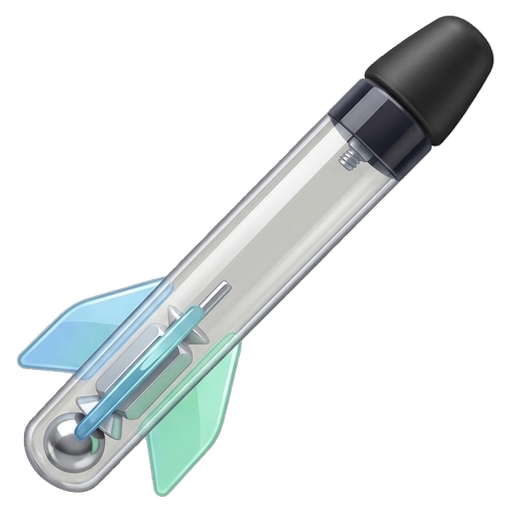
to launch four bouncing FOBBs
 across the gymnasium!
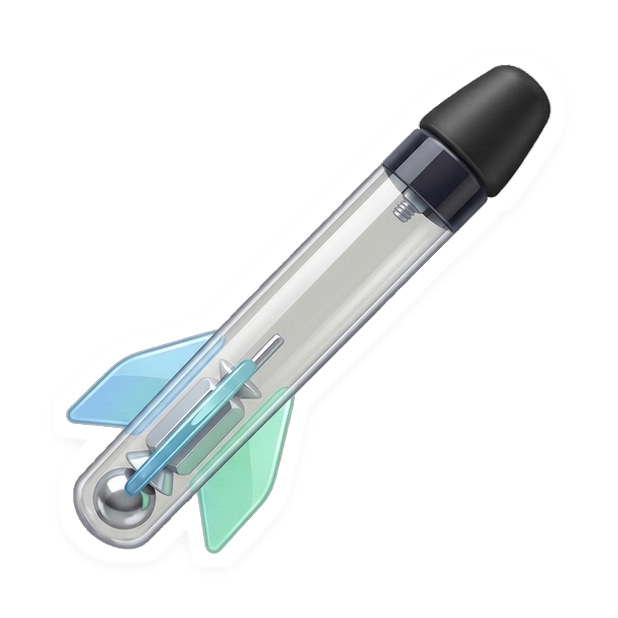

🍎 Fix: Add to Apple Emoji Keyboard (iPhone, iPad & Mac)
Why it was tricky before: Because a real FOBB has a see-through polycarbonate tube, Apple Photos’ automatic “Lift Subject” tries to erase the clear middle! Also, pasting Apple Inline Stickers into plain-text boxes turns them into  (U+FFFC).
- Easiest iPhone/iPad 1-Tap: Long-press the Kiss-Cut Apple Sticker card above (white vinyl backing protects the clear tube!) → tap Add Sticker (or Save to Files).
- Guaranteed Zero-Crop Method (Messages): Tap ⬇ Die-Cut Sticker (618px) → open Apple Messages → tap + → Stickers → tap + → pick the saved PNG.
- Type as an Emoji Anywhere: Open your normal Apple Emoji keyboard and swipe right to the left-most Recent / Stickers drawer—syncs via iCloud to your MacBook Air automatically!